Plugins / EYETURATE
SATURATION · v1.0.0
EYETURATE
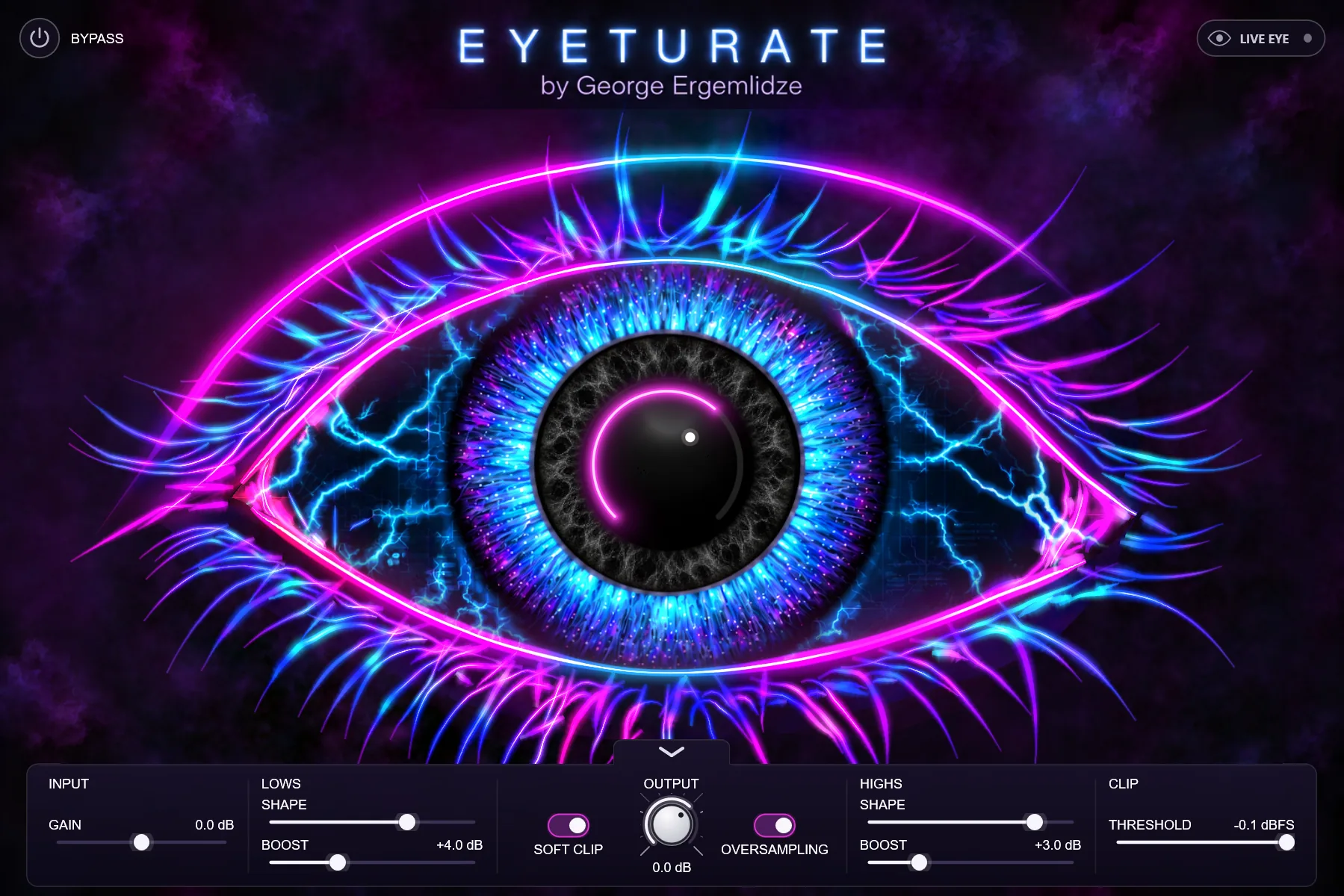
Warm saturation, tone shaping and a soft clipper, watched over by a neon eye. Turn the pupil to drive it; the eye glows with your sound.
Warm saturation, tone shaping and a soft clipper, watched over by a neon eye. Turn the pupil to drive it; the eye glows with your sound.
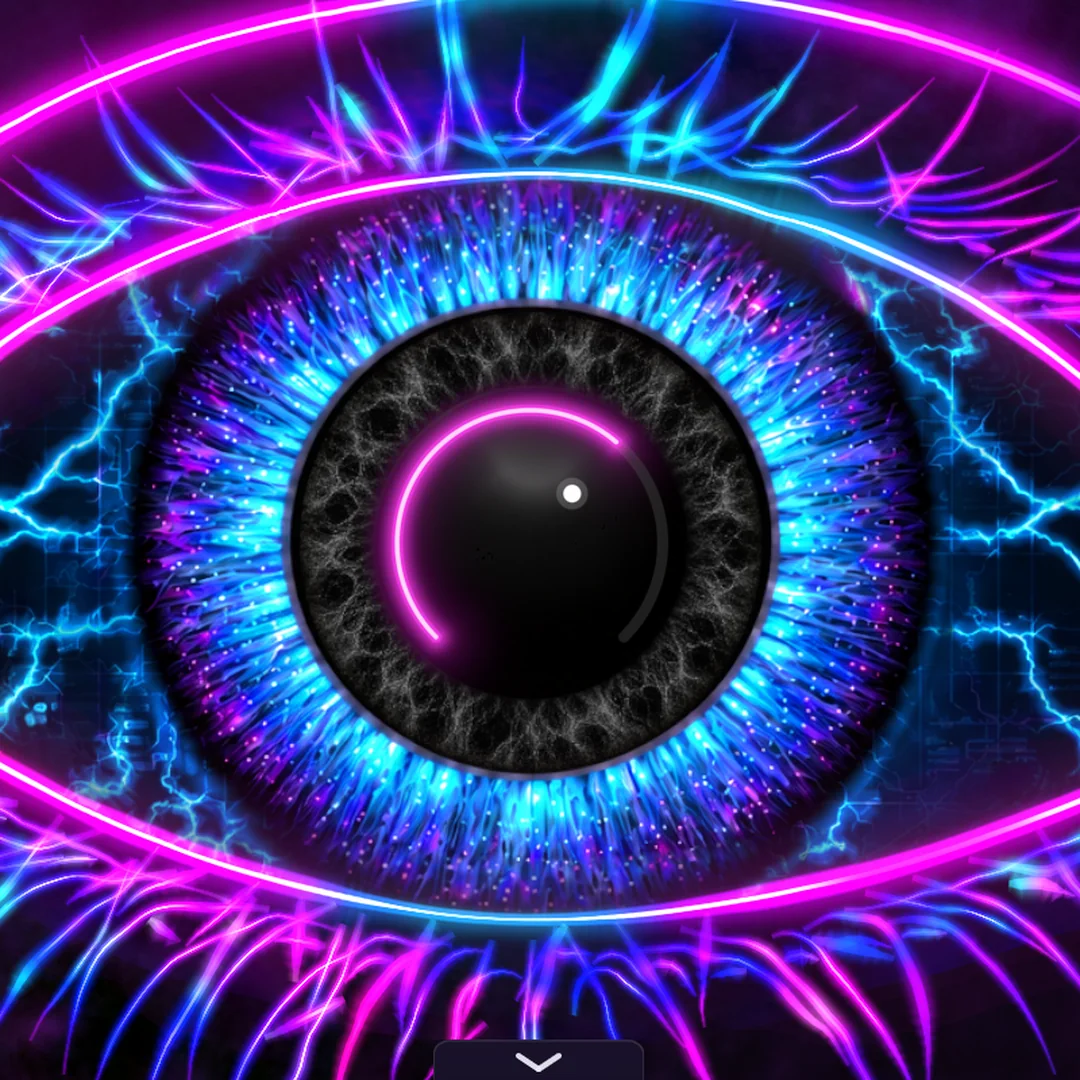
The pupil is the saturation knob. From a touch of warmth to thick, tube-style drive, with the level kept in check as you turn it up. The neon arc shows how far you have gone.
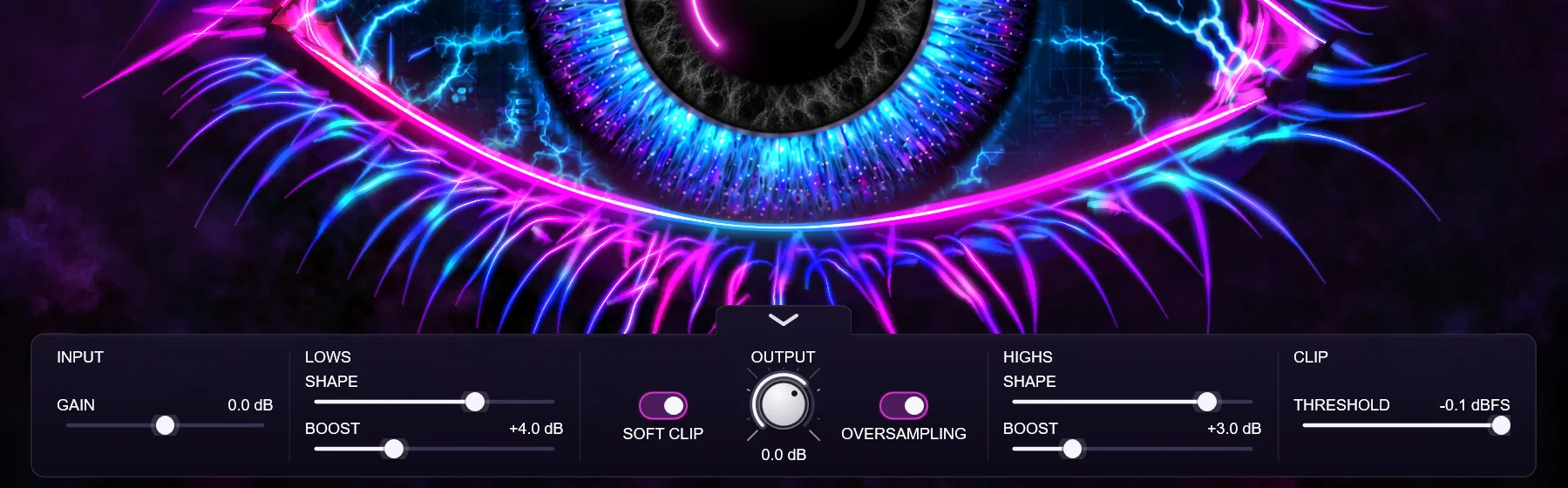
LOWS is a shelf you can place from 20 to 100 Hz; HIGHS is a bell from 1 to 16 kHz. Both sit before the saturation, so a boost does not just get louder: it gets driven harder.
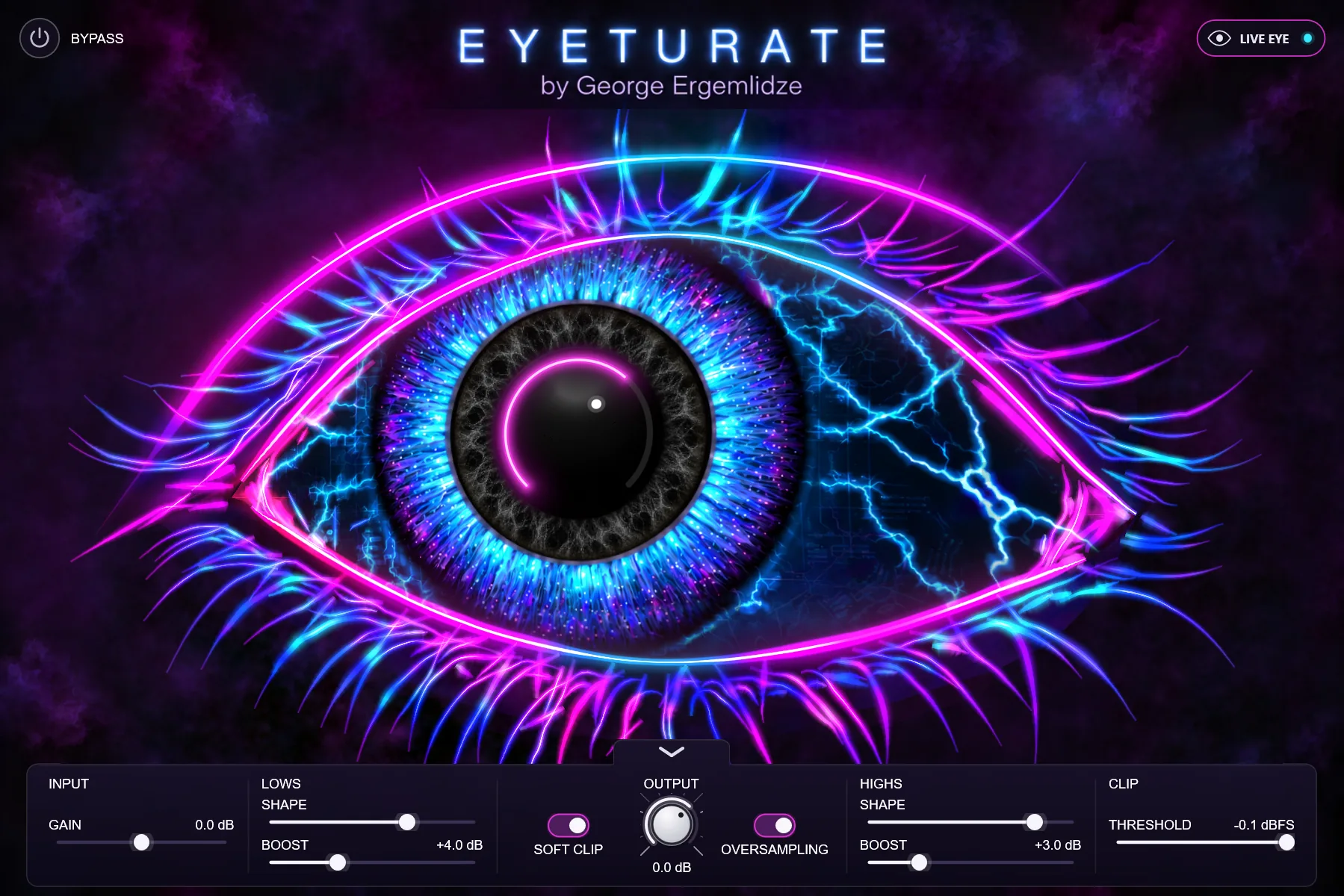
The eye glows with your signal. Switch on LIVE EYE and it follows your cursor, looks around when left alone, and blinks. Switch it off and it holds still.
One knob, 0 to 100%. An original, tube-inspired curve, not a copy of a hardware unit.
Rounds peaks off and holds them at a ceiling you set, from −18 to −0.1 dBFS.
Four-times oversampling at 44.1 and 48 kHz, twice above that. It switches itself off when there is nothing to oversample.
Up to 12 dB of low shelf and high bell, each with a SHAPE slider for where it works.
Every control can be automated. Latency is fixed at 47 samples and reported, and bypass stays in time.
Drag the window to the size you like. Type a value to set it exactly; double-click a control to reset it.
Download and install EYETURATE, open it in your DAW and choose Start trial. You get every feature for 14 days. After that it stops processing until you activate a license; your projects keep their settings.
Three at a time, as long as you are the one using it. Deactivate one to move to another.
Yes. Offline activation moves a small file between that computer and one that is online. How it works
No. The saturation is an original design, tuned by ear and by measurement.
Not yet. EYETURATE is VST3 for Windows today.
Yes. A license includes the updates released for EYETURATE; download them from your account.
EYETURATE is Windows-only for now. Leave your address and you get one email when the Mac version is out.